

Suche
 Häufig gesucht
General Information
At WHU, there are multiple ways to produce video content, depending on your goals, audience, and resources. Whether for internal communication, teaching, or marketing, each option is aligned with the WHU Brand & Style Guide to ensure quality and brand consistency.
Whatever option you choose, defining your target group, objective, and distribution channel beforehand is essential to ensure a focused and effective outcome.
Tonality & Framing
The tonality of the videos should follow a documentary style, capturing real and authentic moments that reflect genuine work or study situations at WHU. The focus should be on natural interactions, honest storytelling, and an overall atmosphere of credibility and professionalism.
Recommended Characteristics (should be / include / based on...)
- gender and ethnic variety
- a humble and friendly presentation of engaged, confident, active, reflective, and real personalities
- a light and positive but temperate documentary photo style that doesn’t seem artificial (no posing, no flashlights, no vibrant or intense colors or patterns)
- natural and soft light; focal blur; soft, discreet and pastel colors
- a sympathetic and charismatic message, neutral to positive emotions
- a mix of people portraits, stills, and details
- slow camera movements
- mix of wide shots and close-ups
Text Animation
To make text more interesting and to create a visually engaging experience, text begins to appear an outline and fills itself up at reading rate.
There are different ways for text to appear. The text can have a fixed position, and the letters appear step-by-step in reading direction (A). Secondly, the text can move from one edge of the frame to another – first appearing as outlines and then filling itself up (B). In this option the text should not disappear from the frame as it is not a comfortable effect on the eye.
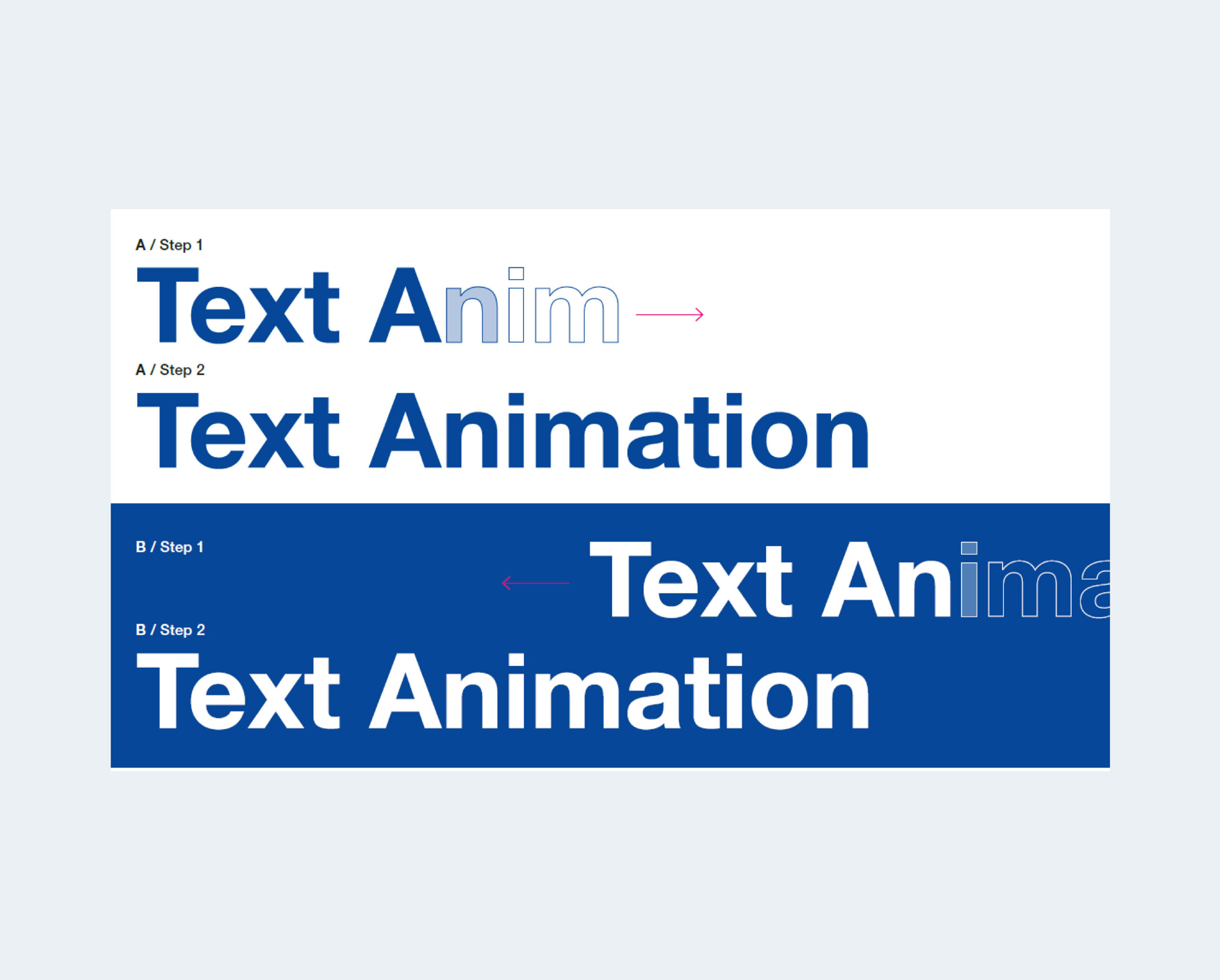
The animation should be applied on headlines and other bold typography. The ‘filling out’ effect should not be overused. As it is only an additional design element.
Potential use-cases would be:
− title pages
− highlights
− intro and outro
Logo Animation
Intro Long
A long intro for a logo animation can be used to establish a strong brand presence and create a cinematic or immersive introduction to video content. These are typically used in high-impact contexts such as branding or larger campaigns where storytelling and mood-setting are key before transitioning into the main content.
Intro Short
A short intro animation provides a quick and seamless brand entry, ideal for social media clips, internal videos, or content where pacing and immediacy are important. It maintains brand recognition while keeping the focus on the main content.
Outro Long
A long outro animation serves as a polished conclusion to major videos or campaigns, allowing time for the brand to leave a lasting impression. It can include space for partner logos, calls to action, or key messaging before fully fading out.
Outro Short
A short outro animation offers a clean and efficient brand closure, best suited for fast-paced or frequent content. It ensures consistent brand presence without disrupting the overall flow or timing of the video.
Watermark
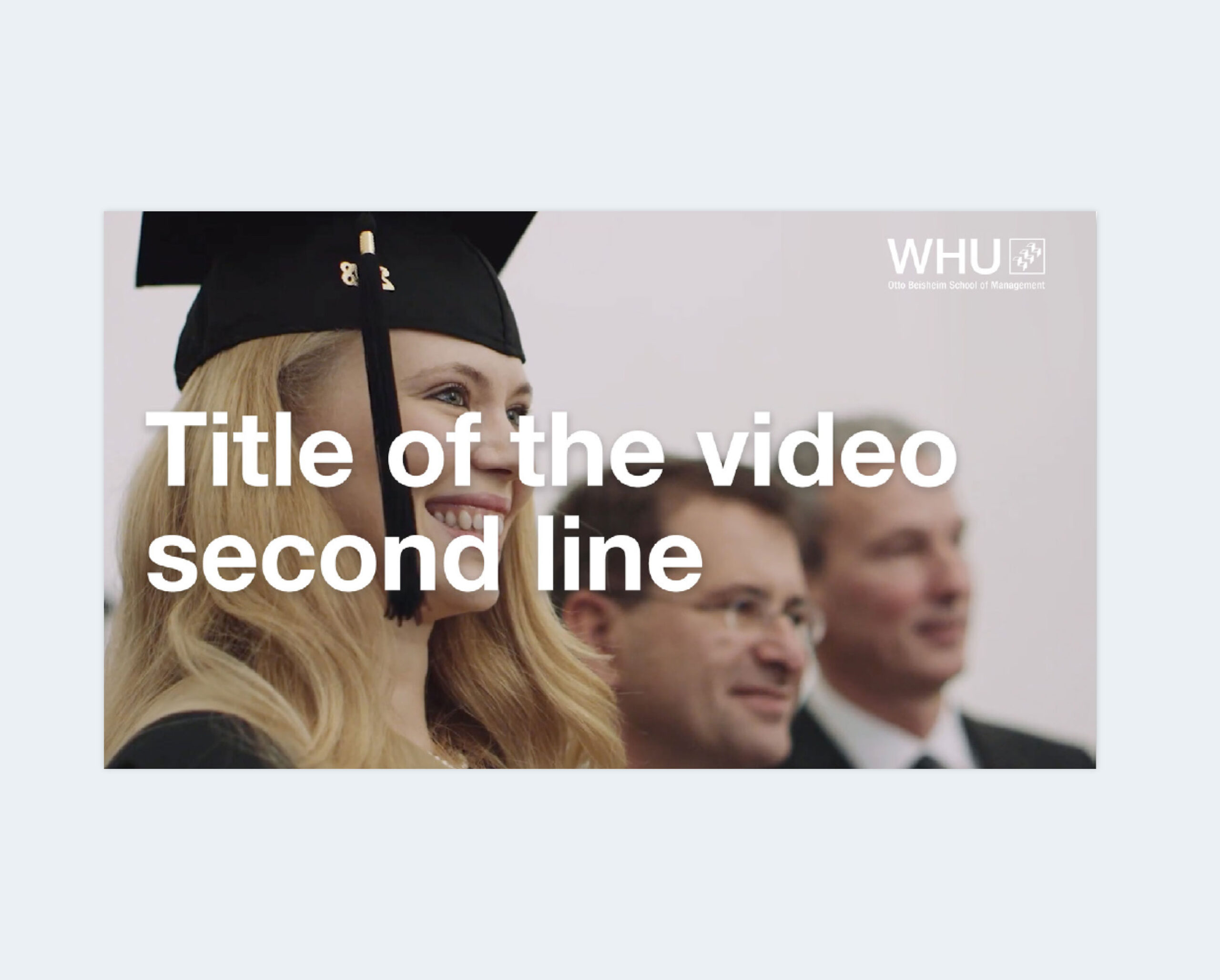
In videos the WHU logo is always used in white to guarantee the best readability.
It is recommended to place it in the upper right corner of the video frame.
In a video with HD resolution (1920 × 1080 ) the logo size is 305 px × 100 px.
The logo is always used in its full version (‘WHU’, square and ‘Otto Beisheim School of Management’). When the logo is already visible on the screen (e.g. in a PPT presentation) the WHU logo can be removed from the video.
Lower Thirds
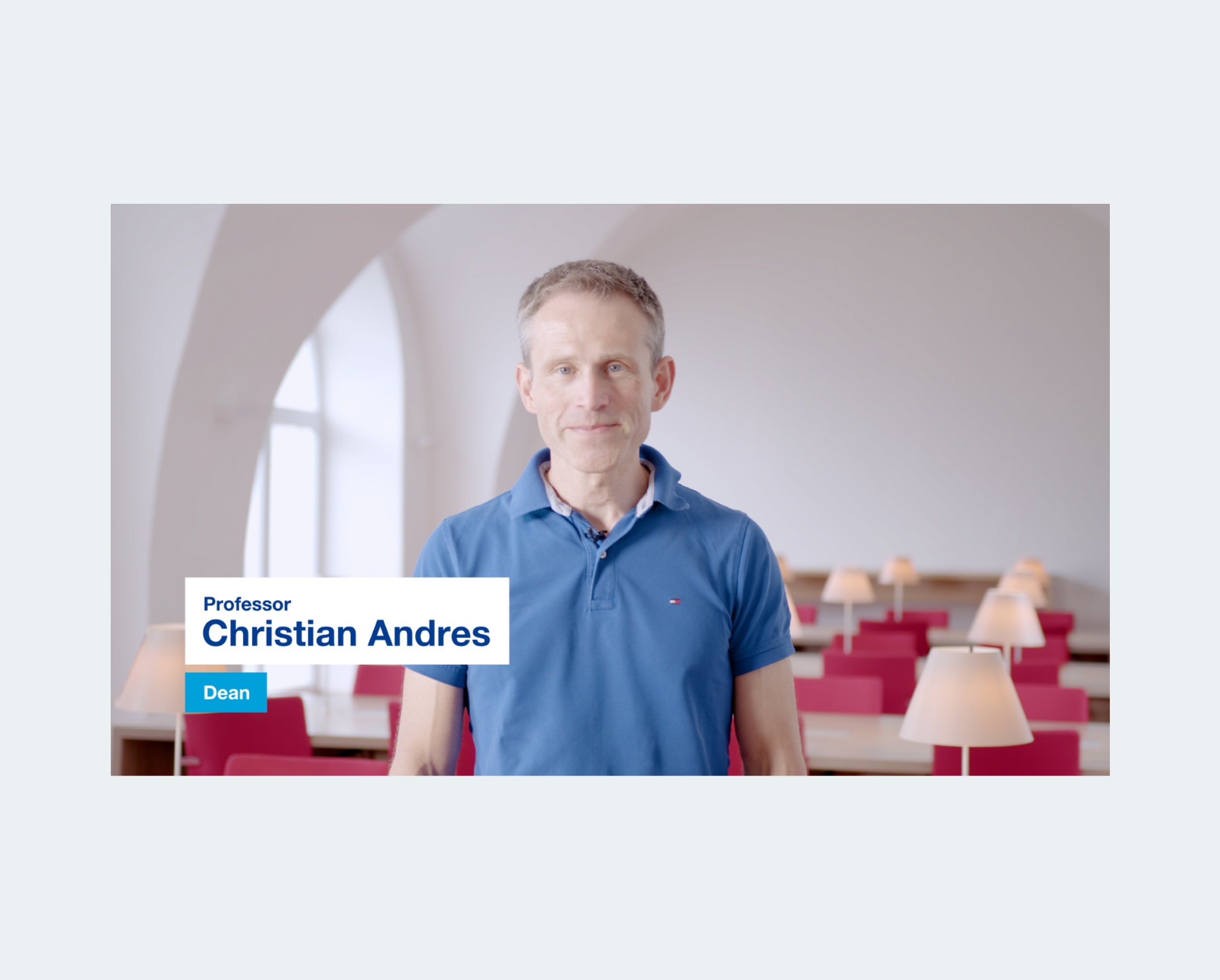
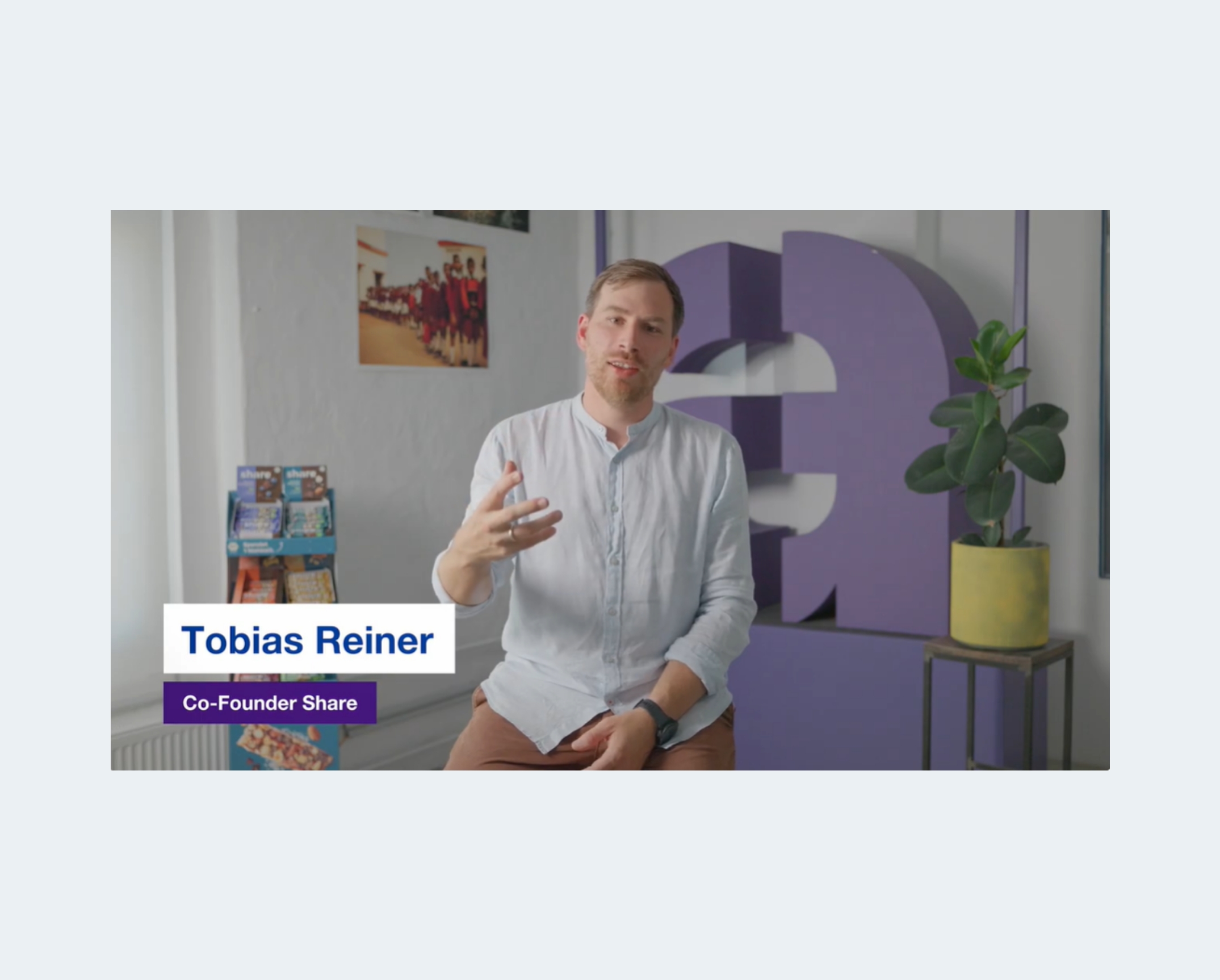
Lower thirds are used to introduce people in the video. There are three options to choose from.
The Lower Thirds Rules:
− Always use the long version of a professor title (Professor)
− For WHU speakers, list only the job title (omit “WHU – Otto Beisheim School of Management”)
− If the person has two job titles, use the one that is more important or relevant to the video content
− The description layout is: Job title, Institution
Often used lower thirds description schemes...
...for WHU Members:
Professor Name Surname
Academical Director Bachelor of Science Program
Professor Name Surname
Chair of Marketing and Commerce
Name Surname
Full-Time MBA Class of 2020
...for external speakers:
Professor Name Surname
Founder and CEO, Firma Name
Professor Name Surname
Director of the Institute of Technology Management,
University of St. Gallen
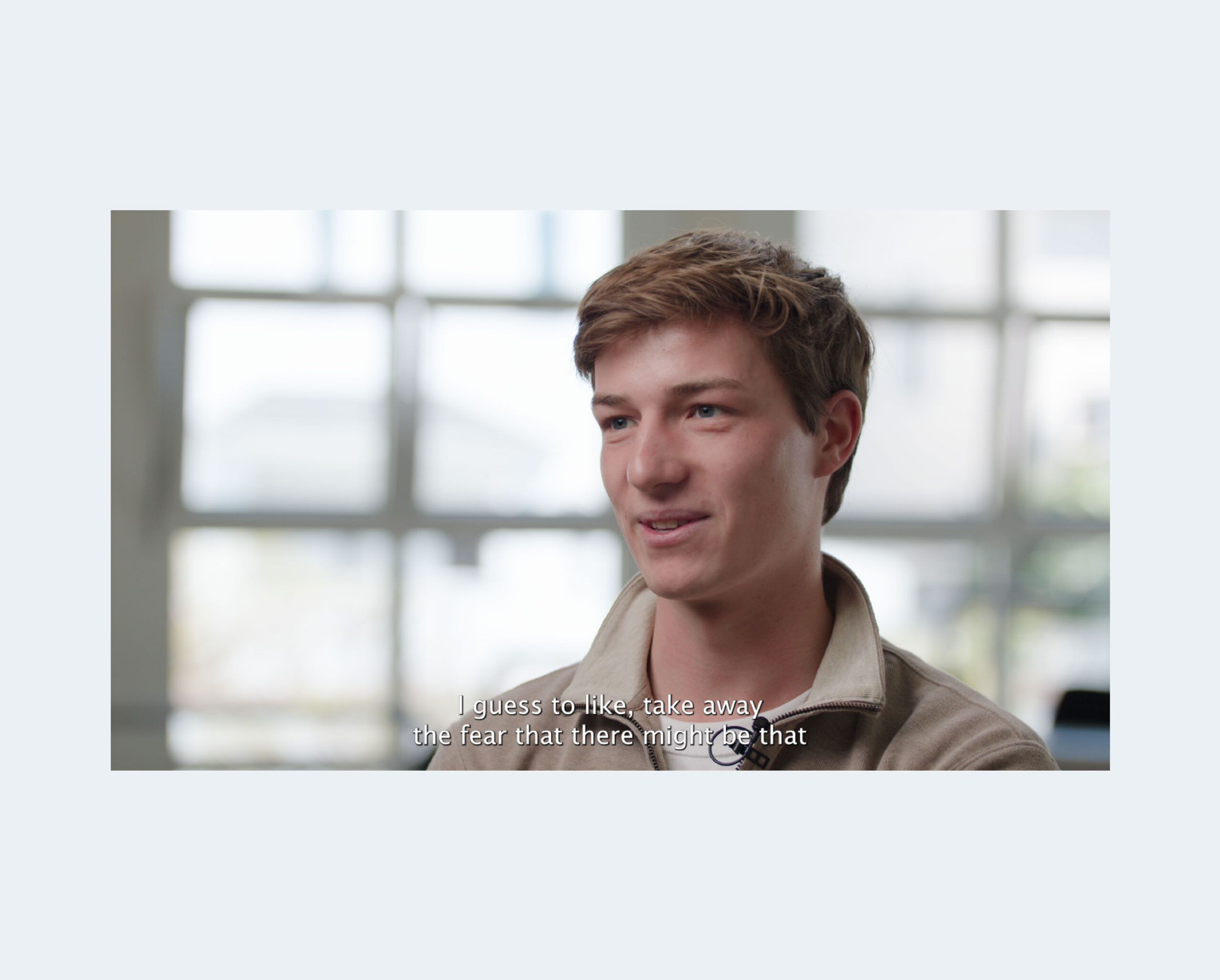
Subtitle & Text Overlays
Subtitles can make a video more accessible to viewers, especially those with hearing impairments. Many users also watch videos without enabling audio, so using subtitles is good practice.